
Most creators set their rates by guessing.
Or they ask other creators what they charge.
Either way, they leave money on the table.
Instead, your rate should come from your data.
Not someone else’s.
Yours.
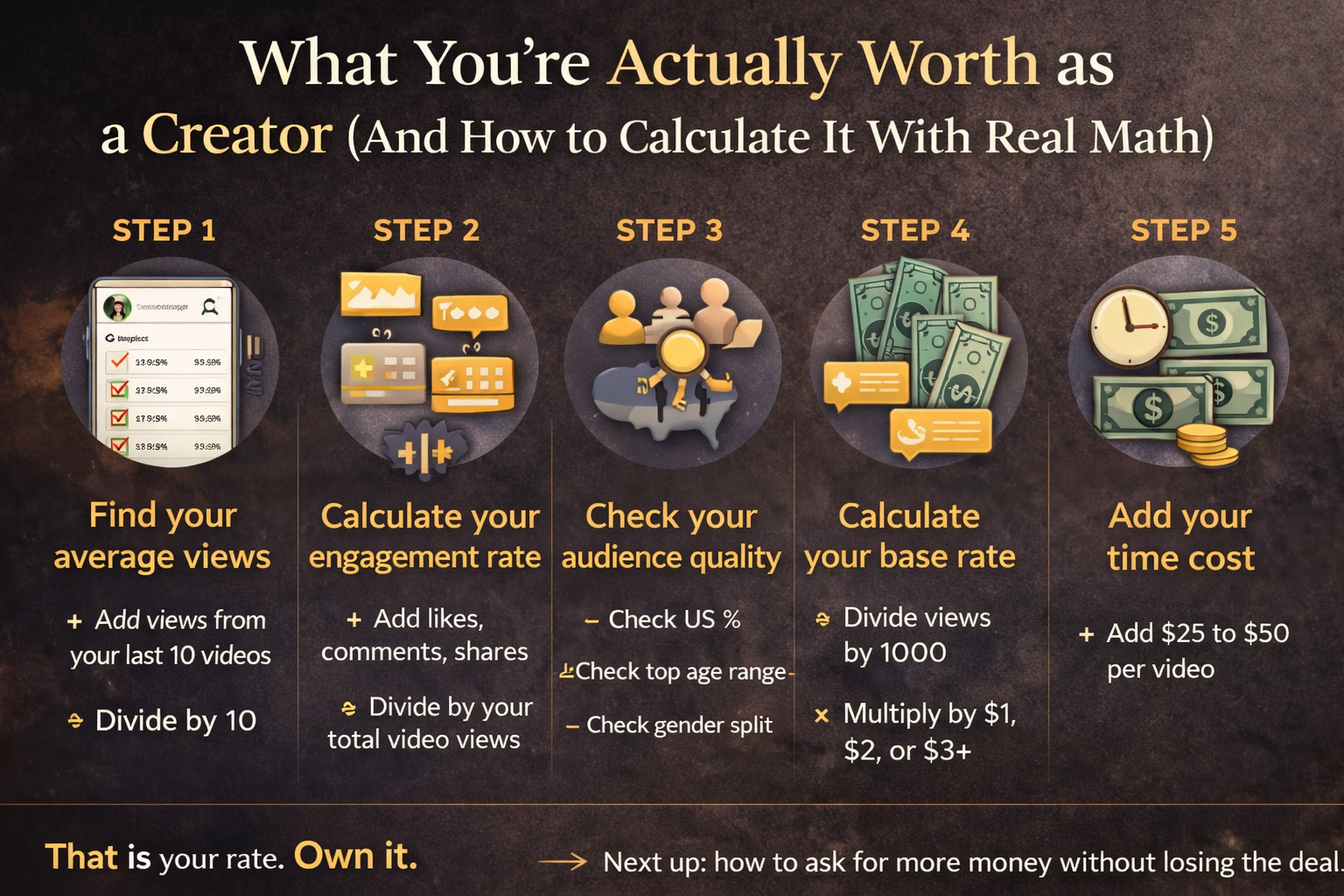
Step 1 — Find your average views per video
First, open TikTok on your phone.
Tap:
Profile → Menu → Creator Tools → Analytics
On the Overview tab, set the time period to Last 28 Days.
Then scroll down to your recent videos.
Now do this:
- Write down the views from your last 10 videos
- Add them together
- Divide by 10
👉 That number is your average views per video.
Step 2 — Calculate your engagement rate
Next, stay in the Overview tab.
Look at your totals for:
- likes
- comments
- shares
Then:
- Add those numbers together
- Divide by your total video views
- Multiply by 100
👉 That’s your engagement rate.
Here’s how to read it:
- Under 1% → low
- 1% to 3% → average
- 3% to 6% → strong
- Above 6% → exceptional
Step 3 — Check your audience quality
Now tap the Followers tab.
Scroll to Follower Demographics.
Pay attention to:
- percentage of US audience
- top age range
- gender split
Because this is what brands actually care about.
Step 4 — Calculate your base rate
Now take your average views.
Divide by 1,000.
Then multiply by:
- $1 → starting floor
- $2 → standard rate
- $3+ → strong performance
👉 That gives you your base rate per video.
Step 5 — Add your time cost
Finally, account for your time.
Ask yourself:
How long does it take to:
- film
- edit
- post
Then add:
👉 $25 to $50 minimum per video
No matter your size.
Because your time has value.
Your one action from this post
Run through all five steps right now.
Write down your number.
Then keep it somewhere visible.
That is your rate.
Own it.
Next up:
how to ask for more money without losing the deal
About The Author